AlarmAmps
Fire alarm battery and NAC voltage drop calcs on your phone.

What it does
AlarmAmps is for fire alarm installers who need a battery calculation and NAC voltage drop for a submittal. You enter the standby and alarm current of each device from your own datasheets, and the app works out the required amp-hours with every step shown. It also produces the PDF submittal sheet the AHJ asks for.
Made for: Fire alarm installers, designers and technicians
Battery calculation, shown in full
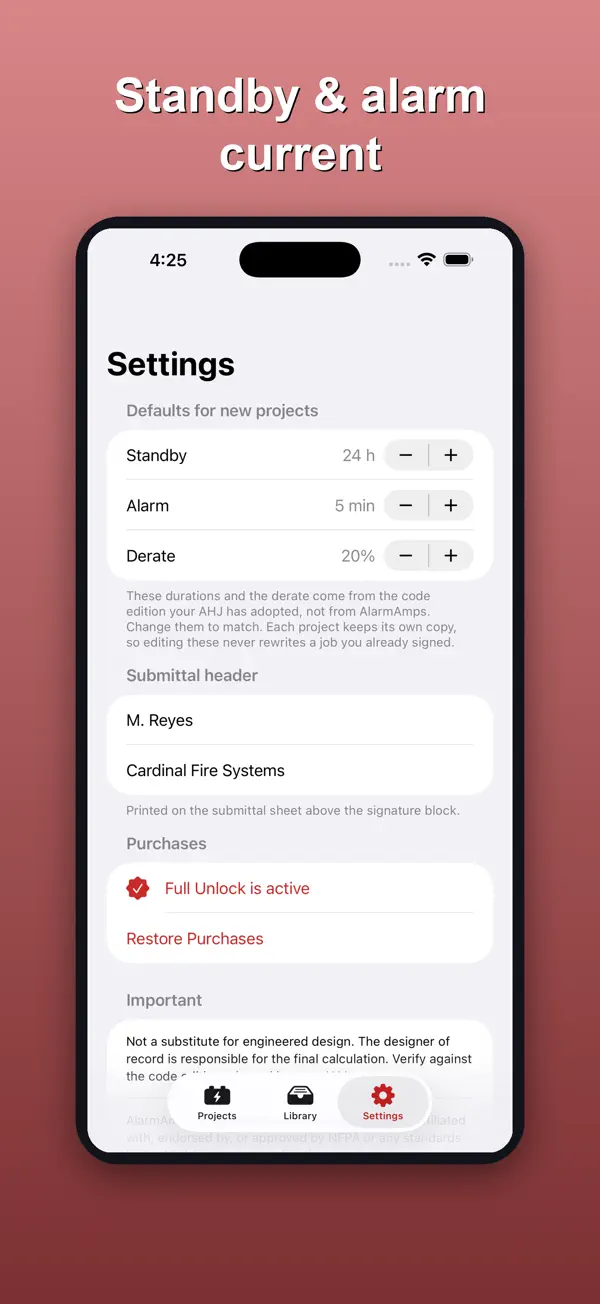
Required amp-hours from your device currents, with the standby hours, alarm minutes and derate laid out step by step.
Derate applied to the total
The derate (20% by default) is applied after standby and alarm amp-hours are summed, so the battery is not undersized.
Battery recommendation
Add the batteries you stock and the app picks the smallest one on your list that meets the requirement.
NAC voltage drop
Enter the run length and wire resistance and see the end-of-line voltage, with a pass or fail against the device's listed minimum.
PDF submittal sheet
Export a sheet with the project header, device schedule, worked calculation, result, voltage-drop schedule and a signature block.
You enter the currents
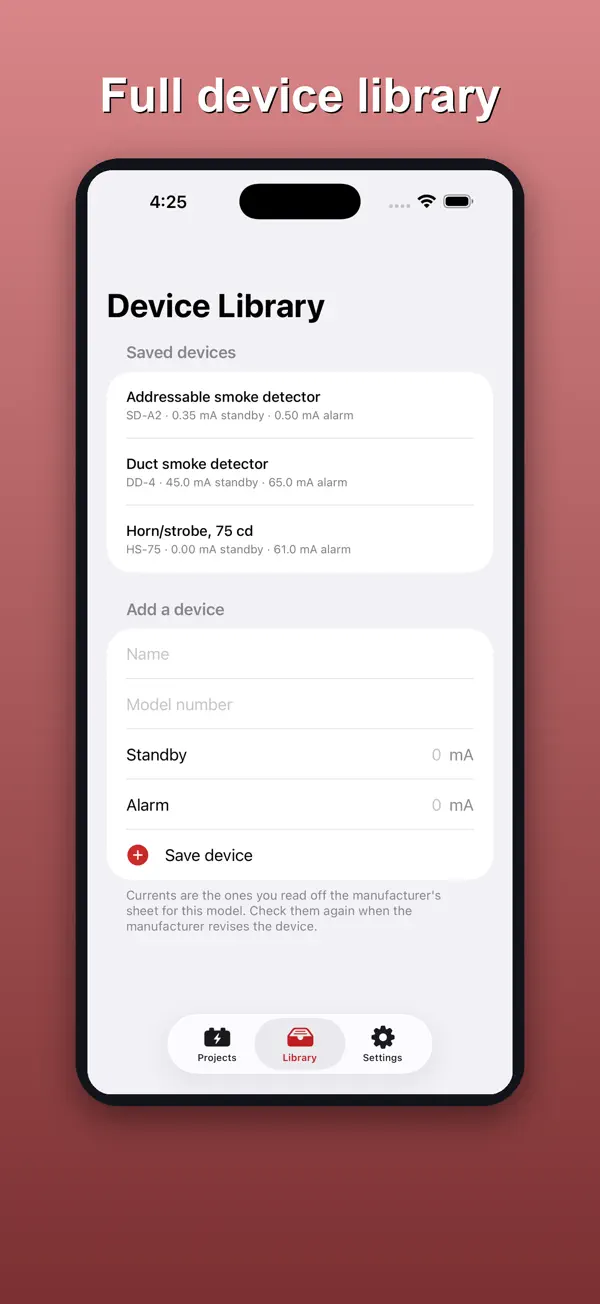
The app ships no device tables. You type currents off the datasheet for the exact model, and the app never needs a network.
How it works
A quick walkthrough of the main job, using the app's own screens.
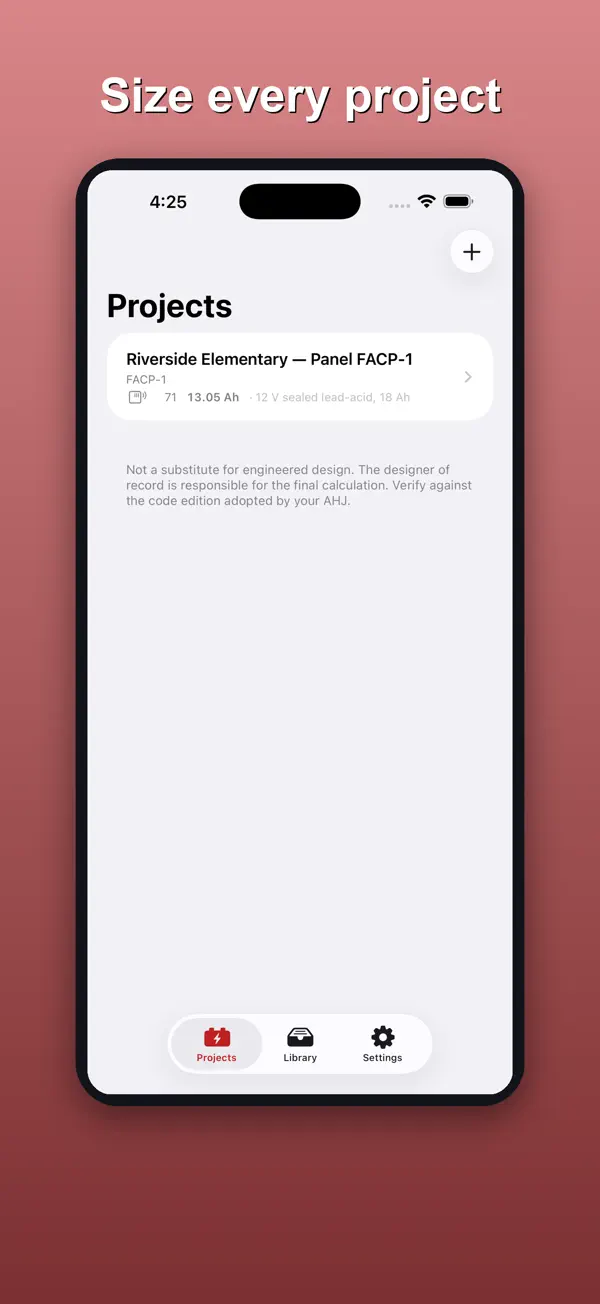
Create a project
Tap New Project and name the job: the site, the building or the panel.
Add devices
Tap Add Device and type the standby and alarm current in milliamps straight off the datasheet.
Read the result
Open Result and worked calculation to see the required battery capacity and the recommended battery from your list.
Check voltage drop and export
Add a circuit under Voltage drop, then tap Export PDF to produce the submittal sheet.
Price
Free download with a one-time unlock
- Submittal Pro unlock: $4.99 one-time
Purchases are billed by Apple through your App Store account. See our refund policy.
Privacy and support
Nothing leaves your phone: the app collects no data, has no account and makes no network requests.
Questions
How much does it cost?
The free version covers one project with unlimited devices, the battery calculation and one voltage-drop circuit. Submittal Pro is a one-time $4.99 purchase that adds the PDF submittal sheet, multiple projects, circuits and booster panels, and the saved device library. It is not a subscription.
Why do I have to type in device currents?
Currents vary by model and revision, so the datasheet in your hand is the accurate source. The app ships no device tables.
Does it collect my data?
No. There is no account, network or analytics. Projects and the PDF are created and stored on your iPhone.
Does it replace engineered design?
No. The designer of record is responsible for the final calculation. AlarmAmps is not affiliated with or endorsed by NFPA. Always verify against the code edition your AHJ has adopted.
More from Rippy Productions
-
Turn a plan into a priced estimate and get cited code answers.
BusinessFlagship Free -
An AI agent desk on your iPhone. No account, no key needed.
Developer ToolsFlagship Free -
Find the stage where you lose matches, then fix that stage.
LifestyleFlagship Free -
Size drain, waste and vent pipe from fixture units.
ProductivityFree