
PomodoroPal
A Pomodoro focus timer with streaks and session history.

What it does
PomodoroPal is a focus timer for people who work in timed blocks with breaks in between. You pick a session length, tap Start, and take the break it offers when the session ends. Completed sessions build a daily streak and a history of where your focus time went.
Made for: Students and anyone who works in focused blocks with breaks
Session lengths that fit the work
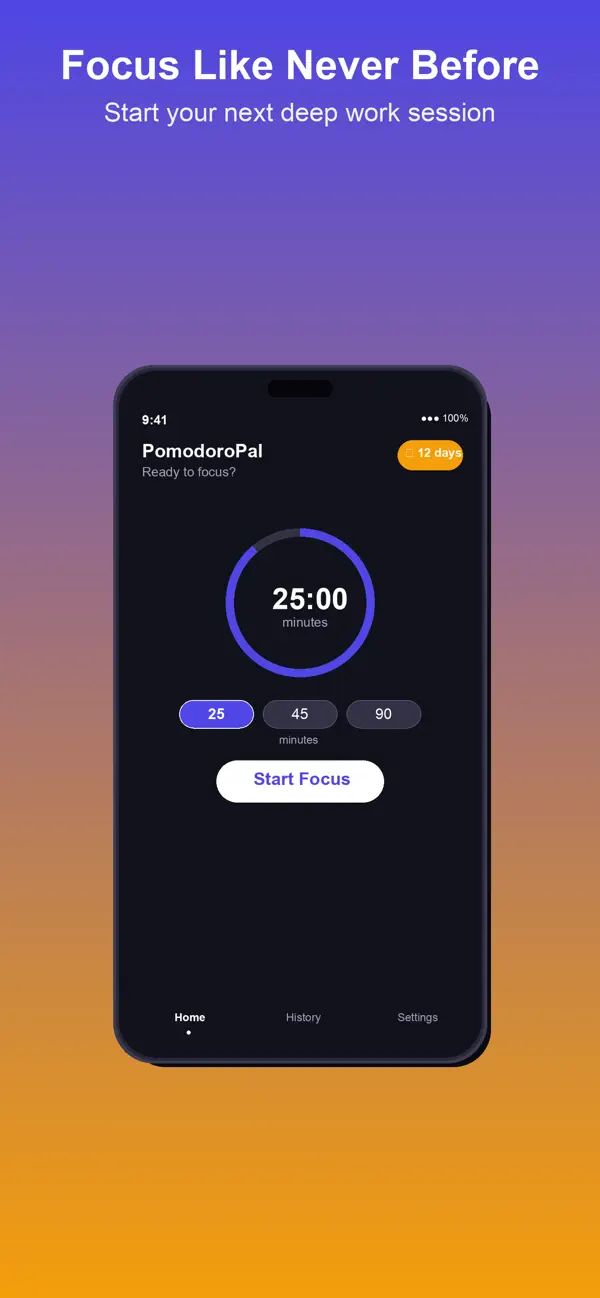
Choose a 25, 45 or 90 minute focus session, or set a custom length from 1 to 180 minutes.
Breaks built in
When a focus session ends, the app offers a 5 minute break, and a 15 minute long break after every fourth session.
Daily streak
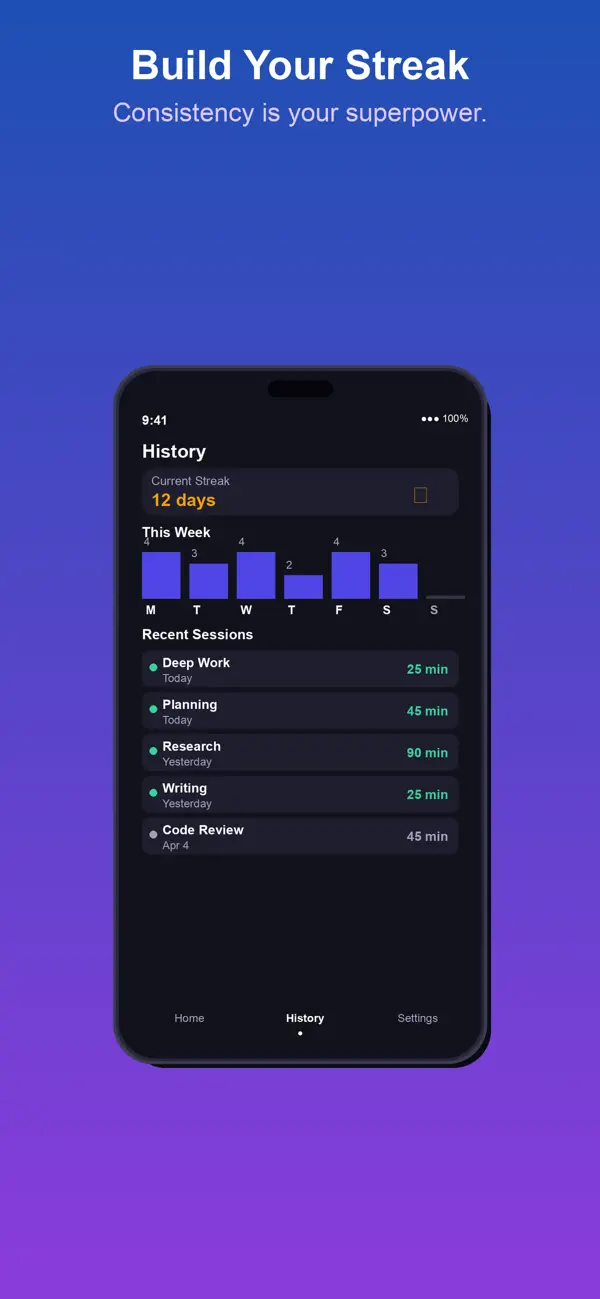
Every day with a completed focus session adds to your streak, shown on the timer screen with your best streak in History.
Session history
History shows today's sessions and focus minutes, all-time sessions and focus hours, and a list of recent sessions.
Dark mode
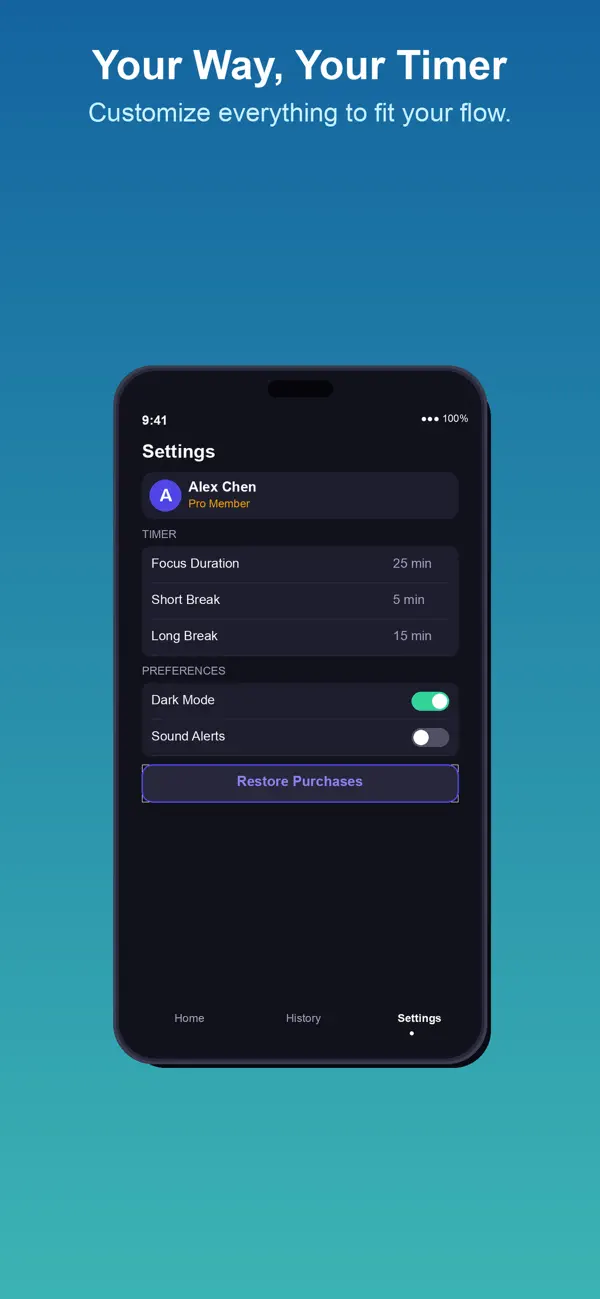
Turn on Dark Mode in Settings for late sessions.
Works offline
No account and no connection needed. Your sessions are stored on your device.
How it works
A quick walkthrough of the main job, using the app's own screens.
Pick a length
On the Timer tab, tap 25m, 45m or 90m, or tap Custom and enter the minutes.
Tap Start
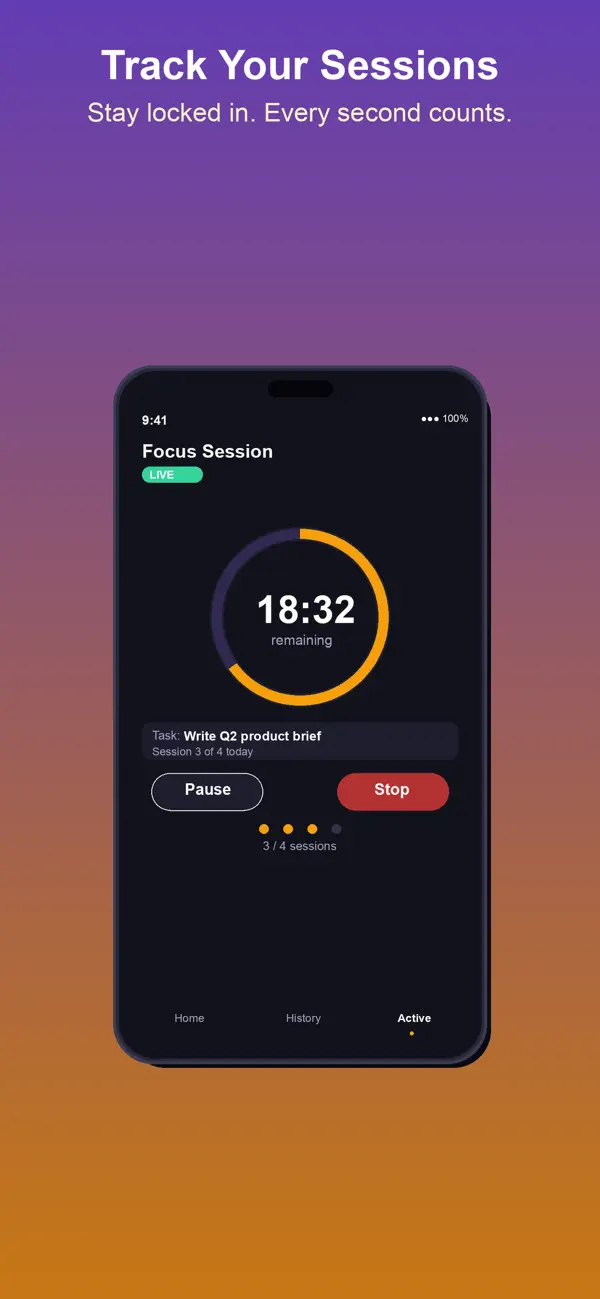
The countdown runs in the ring. Tap Pause to stop it, Resume to carry on, or Reset to start over.
Take the break
When the session ends, the phone vibrates and you can tap Start Break or Skip Break.
Check your progress
Open the History tab to see your current and best streak, today's focus minutes and recent sessions.
Price
Paid app with an optional subscription
- App download: $1.99
- PomodoroPal Pro: $2.99 per month, auto-renewing
Purchases are billed by Apple through your App Store account. See our refund policy.
Privacy and support
No personal data leaves your phone: there is no account, no analytics and no ads, and your sessions are stored on your device.
Questions
How much does PomodoroPal cost?
PomodoroPal is a $1.99 paid download. PomodoroPal Pro is an optional auto-renewing subscription at $2.99 a month, charged to your Apple ID. Cancel any time at least 24 hours before renewal in your Apple ID subscription settings.
Does it collect my data?
No personal data is collected. There are no ads, no analytics and no account, and your session data is stored on your device.
Does it work offline?
Yes. The timer, streaks and history all work without a connection.
How do I change the default timer?
Go to Settings and set Focus Duration and Break Duration. You can also pick a custom length on the timer screen.
How do I restore my subscription?
Go to Settings and tap Restore Purchases while signed in to the Apple ID you subscribed with.
More from Rippy Productions
-
Turn a plan into a priced estimate and get cited code answers.
BusinessFlagship Free -
An AI agent desk on your iPhone. No account, no key needed.
Developer ToolsFlagship Free -
Find the stage where you lose matches, then fix that stage.
LifestyleFlagship Free -
Fire alarm battery and NAC voltage drop calcs on your phone.
ProductivityFree